Payment help
Payment pending, failed or duplicated?
The status helps explain what happened-and whether trying again could make the problem worse.
The short answer
A failed payment normally means the transaction did not complete. A pending payment may still be waiting for confirmation from a bank, processor or provider, so immediately repeating it can create unnecessary confusion.
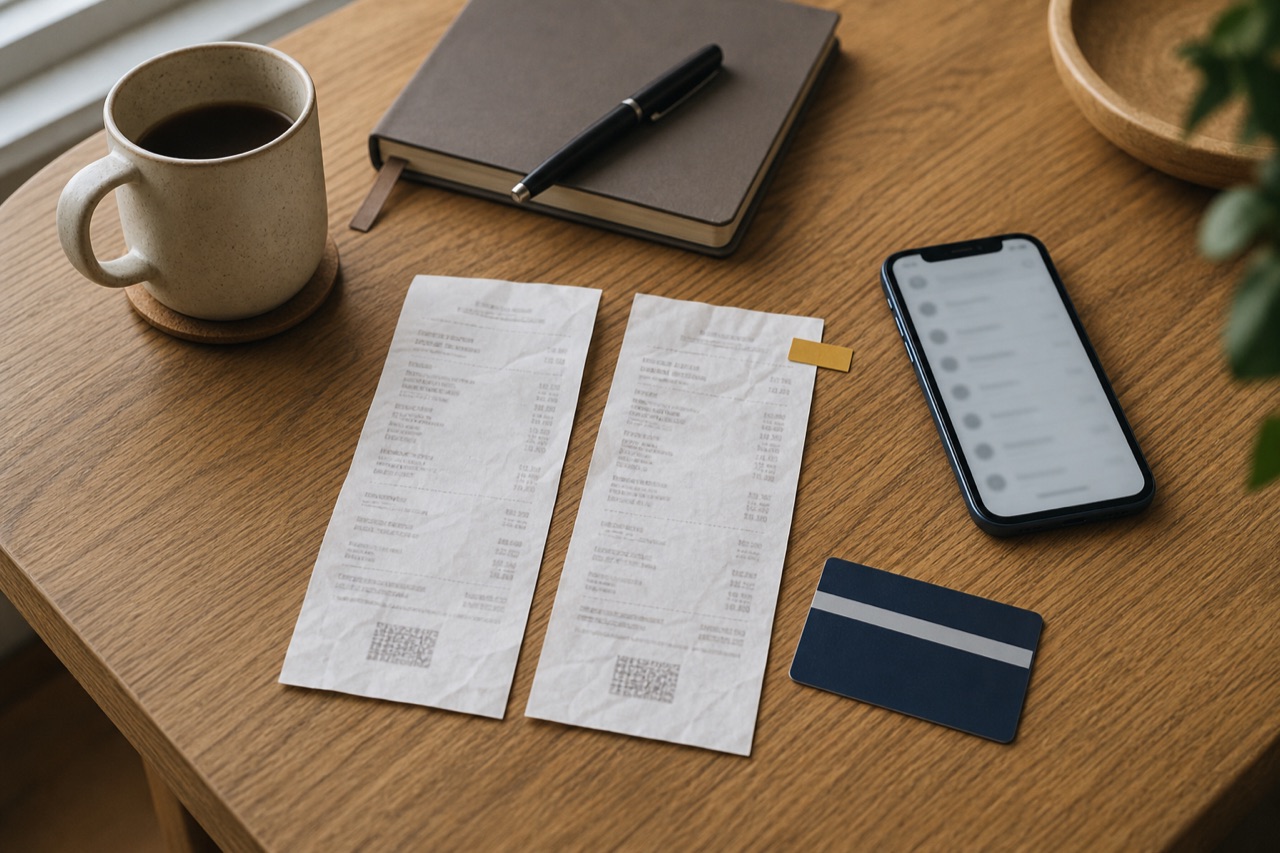
Two entries do not always mean two completed charges. Compare the status, reference, time and amount in Eezpays with the entries shown by your bank before deciding the next step.
What to remember
Check Eezpays activity and your bank separately.
Keep references and screenshots with sensitive details hidden.
Do not repeatedly retry a transaction that remains pending.
01
First identify the status
A completed payment has received the confirmations required by the payment journey. A pending payment is still awaiting an outcome somewhere between the bank, processor and service provider. A failed payment did not complete, although your bank may temporarily display an authorisation or reserved amount.
Status wording can differ between systems. Read the Eezpays activity entry and the bank entry independently, and do not treat a bank notification by itself as proof that the service purchase completed.
02
What to do when a payment is pending
Avoid repeatedly pressing the payment button or starting the same purchase again while the first attempt remains pending. Refresh the activity view, confirm whether the provider delivered the service and retain the reference. Resolution timing depends on the organisations involved and cannot be reliably inferred from the notification alone.
If the status remains unresolved beyond the timing communicated in the journey or help information, contact support with the reference, amount and approximate time. Your bank can explain whether its entry is a completed debit or a temporary authorisation.
03
When a payment fails
Check that the card details, billing information and available funds are correct, and that your bank has not requested an additional authentication step. A bank may decline a payment without providing the merchant with a detailed reason, so the bank is often the right place to ask about a decline.
Before retrying, confirm that no completed transaction or delivered service exists. If you retry, start a clean attempt and keep both references if more than one attempt appears in activity.
04
How to investigate a duplicate-looking charge
Match the amount, date, merchant description and transaction reference. One line may be a temporary authorisation while another is the completed transaction. Alternatively, two separate attempts may both have completed. Screenshots are useful, but hide the full card number, balance and unrelated transactions.
Contact Eezpays support for the Eezpays journey and your bank for the bank-side entry. If you do not recognise the transaction at all, contact the bank promptly through an official number and follow its security guidance rather than waiting for ordinary support investigation.
Questions people ask
Frequently asked questions
Does a pending bank entry mean the payment completed?
Not necessarily. It may be a temporary authorisation while the final outcome is unresolved. Check the Eezpays transaction status and whether the service was delivered.
Should I retry a pending payment?
Avoid an immediate retry unless the journey clearly says it is safe. First check for a completed transaction or delivered service and retain the original reference.
Why can my bank show money after a failed payment?
The entry may be a temporary authorisation rather than a completed debit. Your bank can identify the entry type and explain its release process.
What information does support need?
Provide the transaction reference, amount, approximate date and time, provider or service, status and a redacted screenshot where helpful.
What if I do not recognise the payment?
Contact your bank promptly using an official channel, secure the relevant accounts and report suspicious communication. Do not use contact information supplied in an unexpected message.
Published 31 August 2026 · Last reviewed 2 September 2026
How Eezpays researches and corrects guides